

Documentation Index
Fetch the complete documentation index at: https://docs.renesis.fi/llms.txt
Use this file to discover all available pages before exploring further.
Vault Overview
Once you have selected an active vault, the “My Vaults” page becomes your main dashboard for that specific vault. This overview is your central hub for monitoring assets and initiating key actions.If you have deployed multiple vaults, they will all be listed on this page, allowing you to see a high-level summary of each and select one to view in detail.
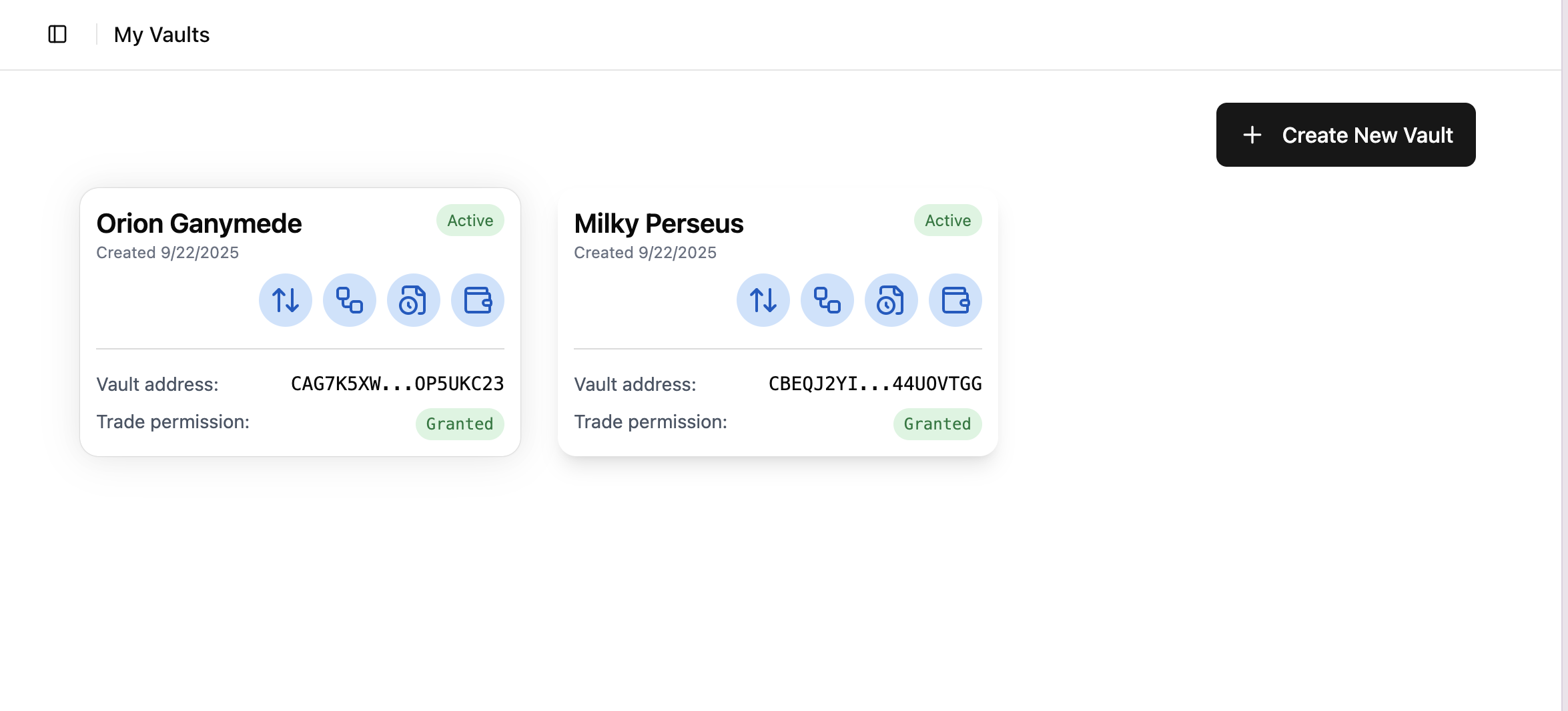
The Vault Summary
The vault summary provides a clear, at-a-glance view of your vault’s status and holdings. Key information includes:Vault Name & Address
The unique, user-defined name for the vault and its on-chain contract address.
Total Value
A summary of the total value of all assets currently held within the vault.
Asset Breakdown
A list of the individual tokens in the vault, showing the quantity and market value of each.
Permission Status
An indicator showing whether automated trading permission has been granted for the vault.
Available Actions
From the overview, you have one-click access to all major functions related to your vault.Swap
Navigate directly to the trading interface, pre-configured to use this vault’s assets.
Manage
Go to the administrative settings page to change the vault’s name or manage permissions.
Strategy
Explore, assign, and manage automated trading strategies for this vault.
Trade History
Review a complete and immutable record of all transactions for this vault.