

Documentation Index
Fetch the complete documentation index at: https://docs.renesis.fi/llms.txt
Use this file to discover all available pages before exploring further.
The Manage Vault Interface
The “Manage Vault” page provides granular control over a specific vault. This is your central command center for monitoring assets, reviewing history, and configuring the behavior of your smart contract vault.The interface is organized into three main sections: Overview, Transactions, and Settings.
Overview Tab: Your Portfolio Dashboard
Overview Tab: Your Portfolio Dashboard
This tab provides a summary of the token holdings and balances in the vault.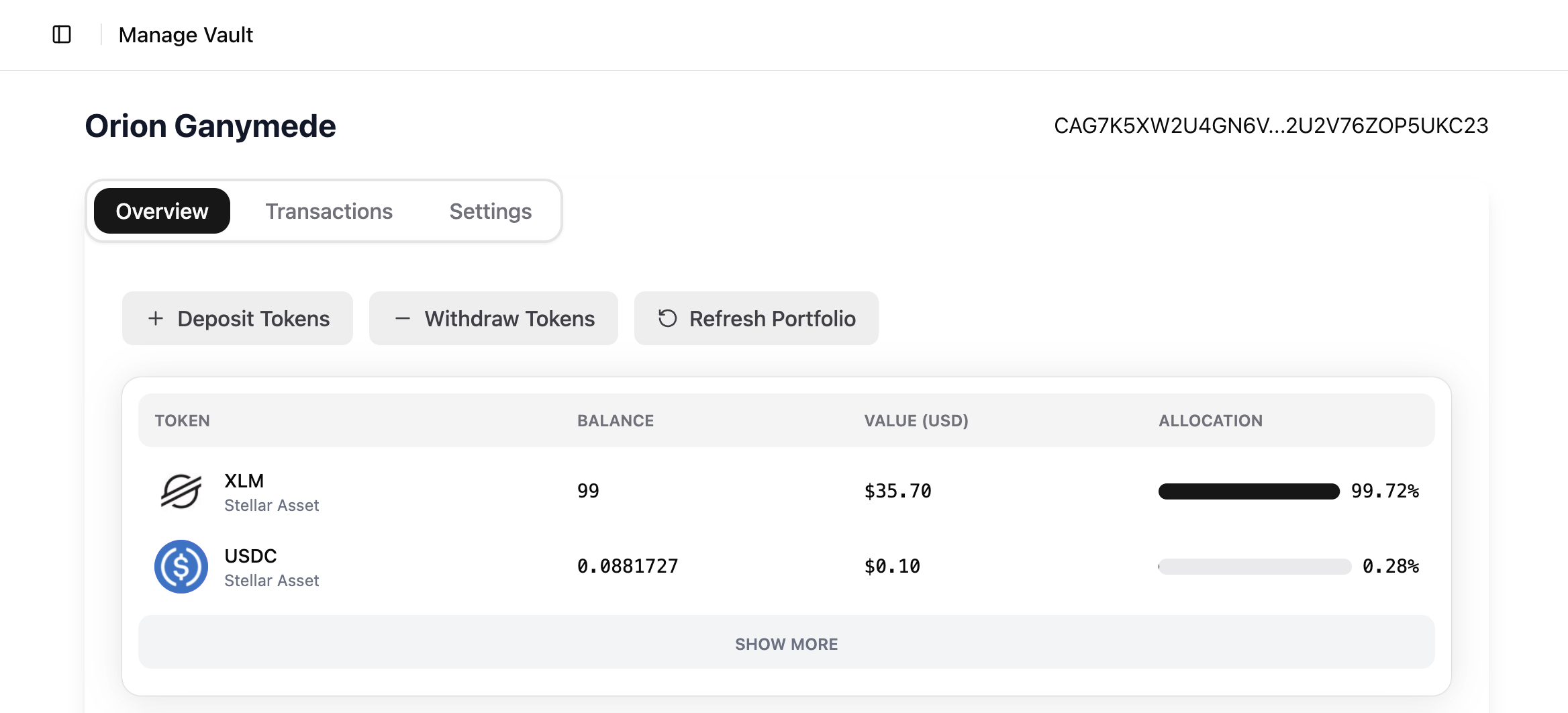
- Portfolio Summary: A detailed list of all tokens, showing each one’s balance, value in USD, and portfolio allocation percentage.
- Core Actions:
- Deposit Tokens: Add funds to the vault.
- Withdraw Tokens: Remove funds from the vault.
- Refresh Portfolio: Manually update balances and values.
Transactions Tab: View Your History
Transactions Tab: View Your History
This tab provides a complete and auditable history of all transfers and swaps for the vault.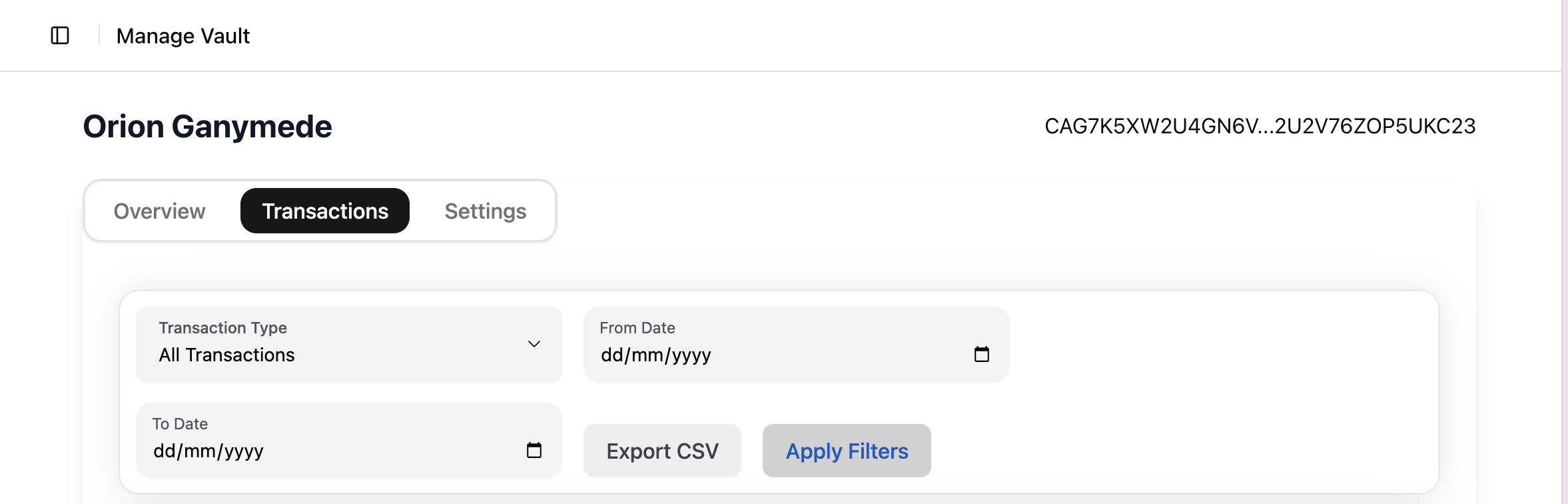
- Filtering: Refine the transaction list by type and date range.
- Exporting: Use the Export CSV feature to download your history for record-keeping or tax purposes.
Settings Tab: Configure Your Vault
Settings Tab: Configure Your Vault
This tab is where you configure your vault’s on-chain permissions and trading parameters.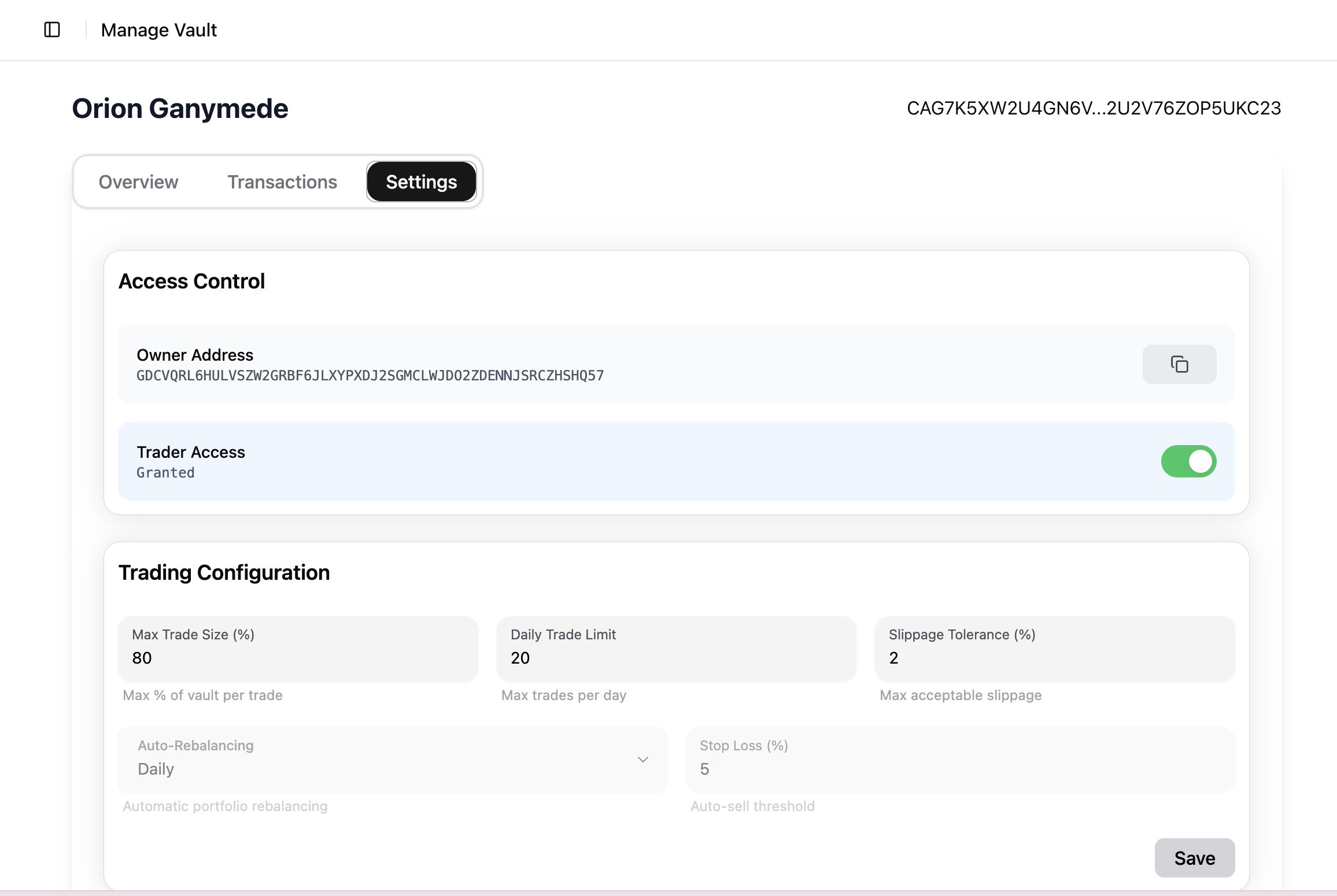
Access Control
This section deals with ownership and high-level permissions.- Owner Address: The primary Stellar address with ultimate control over the vault.
- Trader Access: The on-chain toggle to grant or revoke automated trading permissions for the Renesis protocol.
Trading Configuration
Fine-tune the parameters for automated trading strategies.- Max Trade Size (%): The max % of the vault’s value for a single trade.
- Daily Trade Limit: The max number of automated trades per day.
- Slippage Tolerance (%): The max acceptable price deviation for a swap.
- Auto-Rebalancing: Set an automatic portfolio rebalancing frequency.
- Stop Loss (%): An auto-sell threshold to manage risk.