
Documentation Index
Fetch the complete documentation index at: https://docs.renesis.fi/llms.txt
Use this file to discover all available pages before exploring further.
Managing Your Vaults
The “My Vaults” page is your personal dashboard for all your smart contract vaults on Renesis Stellar DEX Vaults.What is a Vault? A vault is a secure smart contract deployed on the Stellar network that holds your Stellar-compatible tokens, allowing you to manage and trade them.
Creating Your First Vault
If you are a new user and have not created any vaults yet, the application will guide you through creating your first one.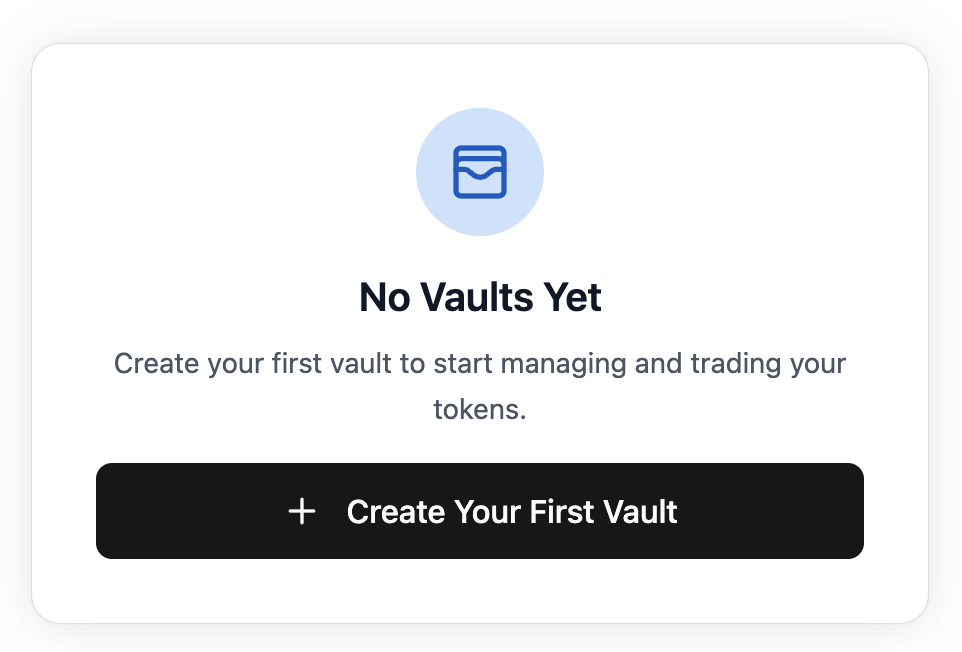
Name Your Vault
A “Create Vault” modal will appear. You can enter a descriptive name for your vault or use the refresh icon to generate a random name.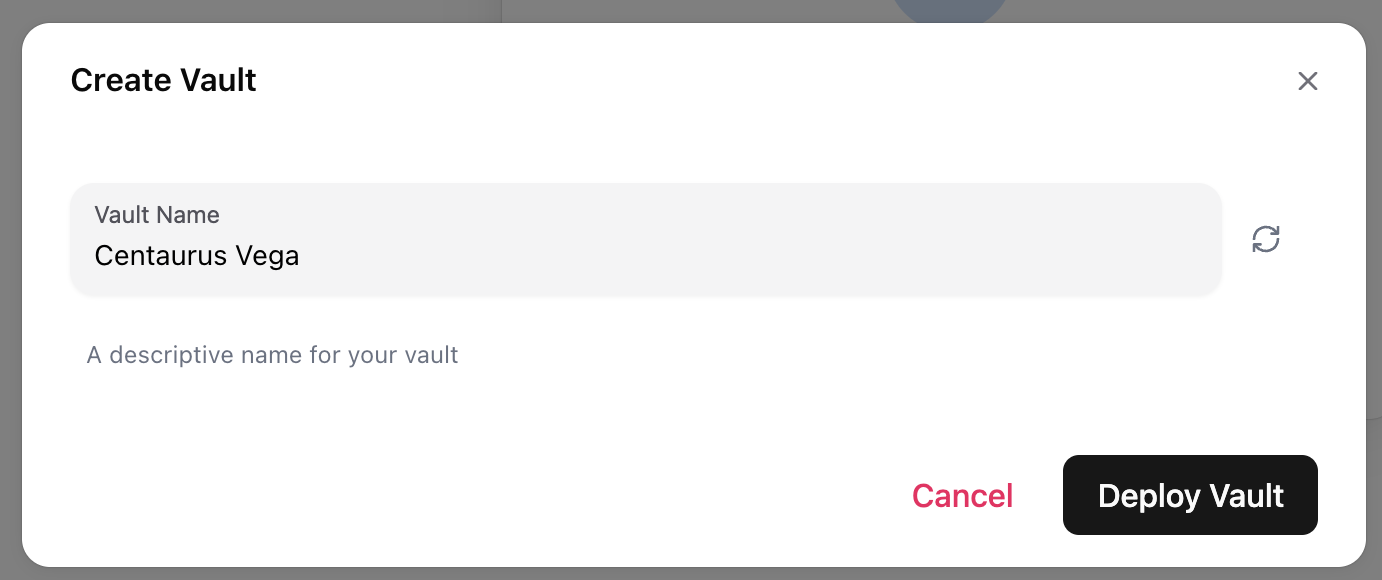
Deploy the Vault
Click the Deploy Vault button to proceed. This action prepares a transaction to create your new smart contract vault on the Stellar network.